Showing posts with label Framework. Show all posts

Friday, May 29, 2015

Overriding standard component messages - Part 2


In this blog I will show you approach to figure out standard component message bundle key. Refer to Part -1 to get understanding of how I have overridden default uncommitted data warning message.

Now to figure out the bundle key, you need to follow below steps.
While your application is running in browser:

Go to File->Save As->Webpage, complete (*.htm,*,html)
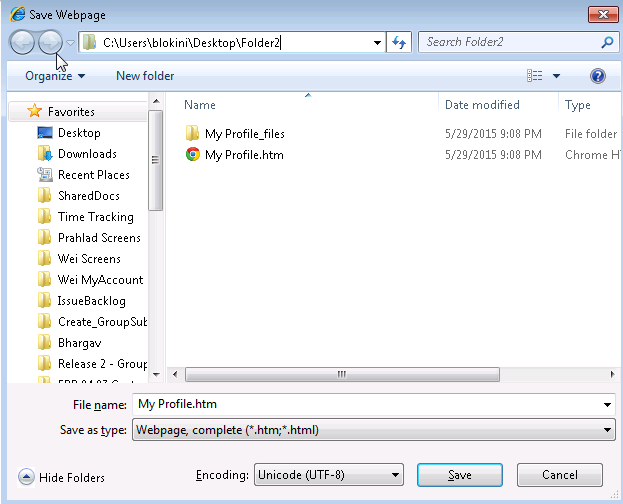


Now, go to the folder where you saved the webpage. Open the folder & open file starting with: AdfTranslations-xxxx.js


You can search for the text that you wish to override & locate the corresponding bundle key.


That's it, now you use this key in your skin bundle(Part -1) to override the message.

Overriding uncommitted data warning message - Part 1


I'm sure you might be knowing about uncommitted data warning message you get, when user tries to navigate out of current page without saving the data. Refer Oracle & Ashish post for more details.


Today, I'm going to show you how you can override standard message displayed in this popup.

Expand your ViewController project & open the trinidad-skin.xml file


I defined a new Java resource bundle for my skin, you can also specify a .properties or xlff file.
Then created a Java file as below:


If you notice, I'm extending from ListResourceBundle & then overridden a key called af_document.MSG_CONFIRM_NAVIGATION

That's it, you can run your application now & see this new message being displayed when you get uncommitted warning message.


Refer Part -2 to find out how to locate the default key that needs to be overridden.

Hope this helps!!!